Rummy Safety: Confirm the Official Support Channel
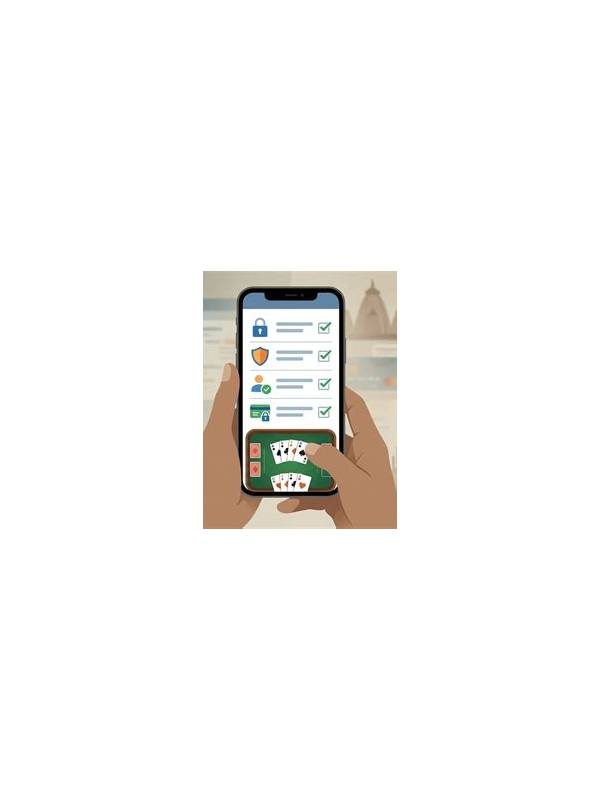
Players may need help with sign-in, withdrawals, verification, or a technical problem. That is also when an impersonator may try to create urgency. A safe support habit is to confirm the channel independently before sharing personal details, screenshots, or payment information.
Start inside the application or the official website you already trust. Look for the help or contact section and note how the service describes its support process. Do not rely on a phone number, username, or link sent in an unexpected message. A similar name or familiar logo is not enough to prove that a contact is genuine.
Before responding, check the request itself. Legitimate support may ask for a case reference or limited account details, but unexpected requests for passwords, one-time codes, remote access, or a transfer to “unlock” an account deserve immediate caution. Never send a one-time code to someone who contacts you first. If a payment issue exists, use the documented billing route rather than a private account.
Save only the information needed for a case. If a screenshot is useful, remove balances, identification numbers, addresses, and notification previews that are not relevant. Keep the original message separately in case it must be reported, but do not click additional links while investigating it.
Urgency is a warning sign. A message that threatens instant closure, promises a special bonus, or insists that you keep the conversation secret is trying to reduce your time for checking. Pause and open the service through a known path. If you are unsure, stop the conversation and use the official help page.
This process is simple: verify the route, limit the information, reject secret requests, and keep control of the login path. Good account safety is not about assuming every message is fraudulent. It is about making sure a helpful-looking message can be independently confirmed before it receives trust.
If support needs identity verification, follow only the steps shown in the verified account area. Never improvise a substitute by emailing documents to an unknown address. A little patience is preferable to turning a routine question into an avoidable exposure of personal information.
When contacting support, describe the problem without sending more data than requested. Ask what information is needed and why, then use the documented upload or case system. Keep your case reference and contact date. If a response asks you to move to a private messenger, verify that instruction through the original support channel. This process protects both your account and the support team’s ability to investigate.