Rummy Safety: Check Accessibility and Readability Before Play
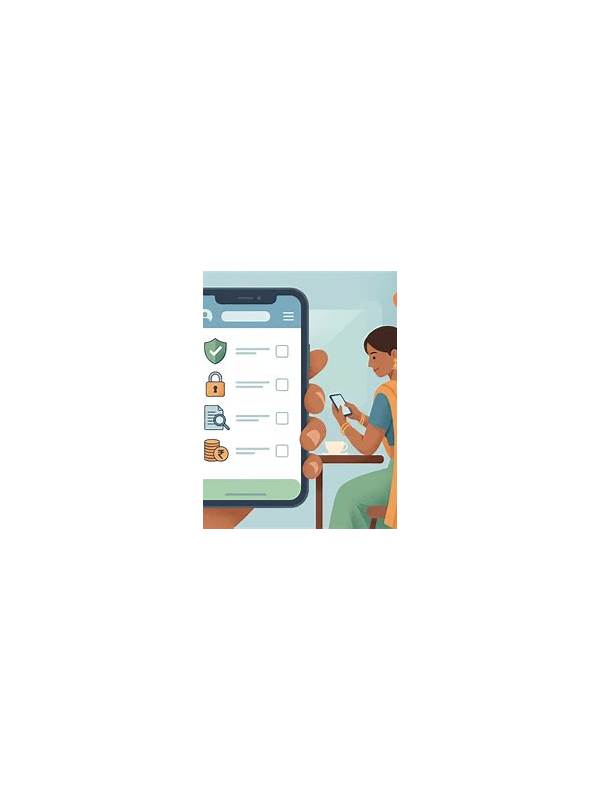
A rummy session should be readable before it is competitive. Small card labels, low contrast, glare, or crowded touch targets can turn a normal decision into a guessing exercise. A short accessibility check protects decision quality and helps you decide whether the interface is suitable for a longer session.
Begin with card identification. Confirm that rank and suit are easy to distinguish at the screen size you intend to use. Check whether symbols remain clear in bright light and whether animations briefly cover important information. If you need to zoom in repeatedly, the table may be unsuitable for a serious session even if the app technically works.
Test touch accuracy without making a meaningful move. Look for whether cards overlap, whether the discard and draw controls are separated, and whether a confirmation step exists for an important action. An interface that responds to a neighboring tap can create a preventable error. Use a practice or low-stakes setting for testing, and follow the service’s rules.
Review sound and notification behavior. Sound can help with turn changes, but it should not expose private information or become a distraction. Check the volume, vibration, and notification preview settings. If another person could see the screen, turn off previews that reveal account activity or messages. Accessibility features should support privacy as well as visibility.
Consider fatigue. Increase text size or contrast where the device allows it, position the screen to reduce glare, and schedule a break before concentration falls. If visual discomfort, dizziness, or persistent strain appears, stop and rest. No hand is worth pushing through a health warning.
Finally, write down the settings that worked. This makes the next session easier and avoids changing several controls while a round is active. Accessibility is not a special advantage or a cosmetic preference; it is part of safe, reliable participation. If an app cannot provide a readable and controllable experience, choose a different practice method and do not force the session. Check whether the device itself offers useful accessibility controls, such as larger text, increased contrast, screen magnification, or an alternative input method. Change one setting at a time and test it before joining a table. If another person helps configure the device, protect account privacy and remove temporary access afterward. A prepared environment makes careful play more realistic. Also test the setting in the same lighting and posture you expect to use. A control that works at a desk may be difficult on a moving device. Small preparation choices can preserve attention for the cards themselves.