Rummy Safety: Respond to a Suspicious Login Alert
Pause before opening links
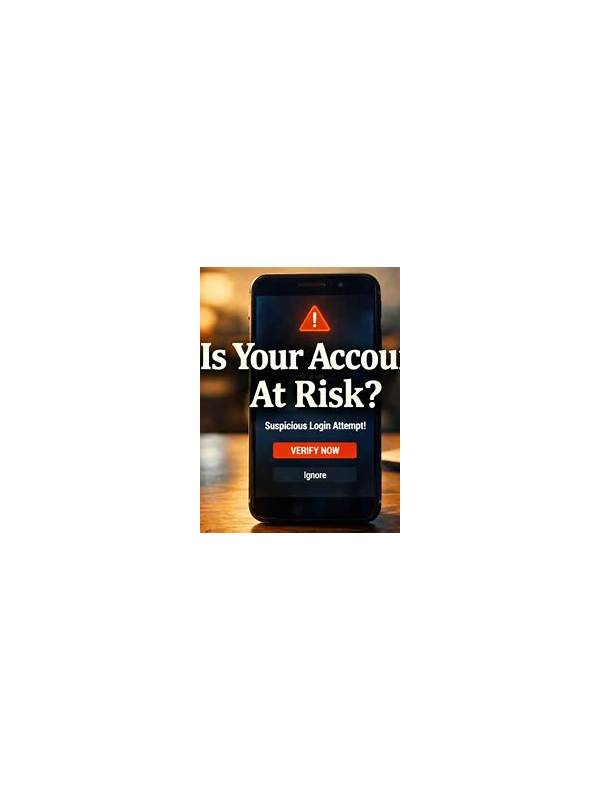
An unexpected login alert can be genuine, delayed, or fraudulent. Do not react by tapping the first link in a message or by sharing a one-time code with anyone who asks. Close the message if necessary and open the rummy service through the app or a trusted address you already know.
Check the account’s security area for recent sessions, devices, and locations. A location may be approximate, and a familiar device can appear differently after an update, so consider the complete pattern rather than one field. If the activity is clearly unfamiliar, sign out other sessions if the service offers that option.
Secure the account in order
Change the password from the official account settings. Use a new password that is not reused on email, payment, or social accounts. If two-factor authentication is available, enable it through the service’s own security menu. Never give an authentication code to support staff, friends, or a caller; codes are intended for the account owner at the moment of sign-in or recovery.
Review profile details, linked payment methods, withdrawal settings, and contact information. Look for changes you did not make. Do not upload identity documents to an unverified chat or reply address. If the account has financial features, contact official support using the in-app route and provide only the case details they request. Keep screenshots for your own record, but hide passwords, codes, and full payment numbers.
Resume only when the route is clear
If you cannot confirm that the alert is harmless, do not deposit, play, or attempt repeated logins while investigating. Repeated guesses can create more lockouts and make the situation harder to understand. Use a trusted device, update its operating system and security software, and check whether your email account also needs protection.
An alert is not proof that an account was taken over, but it is a reason to slow down. Official channels, unique credentials, and private verification codes give you a safer recovery path than urgent replies or promises of quick help. Once the account history is clean and the service confirms the issue, review your session and spending boundaries before returning to play.
If the alert concerns a device you share with others, check who can access the screen, browser profile, and saved notifications. Remove saved sign-in details from devices that are not under your control, and lock the device when it is unattended. These small changes reduce the chance that a genuine alert is repeated and make future security messages easier to interpret.