Rummy Safety: Avoid Sensitive Play on Public Wi-Fi
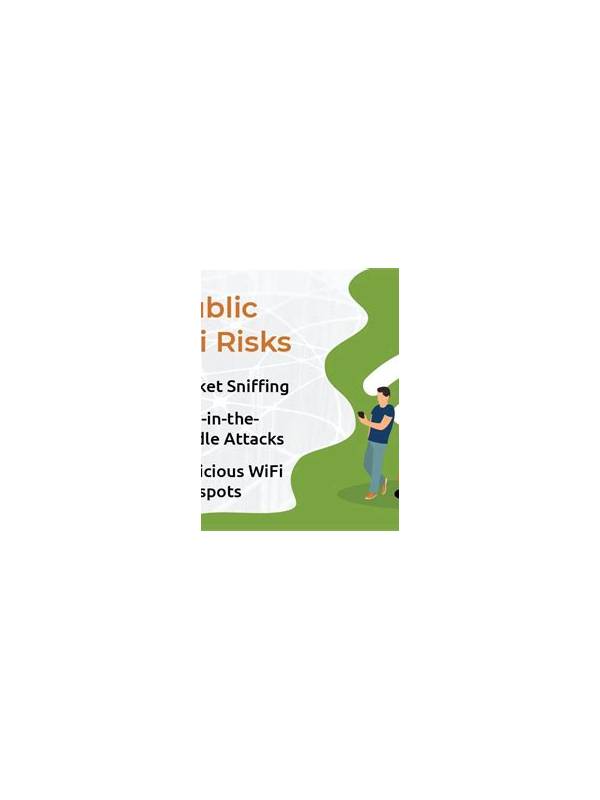
Why the connection matters
An online rummy session may involve an account, personal information, or payment features. Public Wi-Fi in a café, hotel, or transport area can be convenient, but you may not know who manages the network or whether its name is being imitated. A connection problem can also create rushed actions and repeated login attempts.
For ordinary browsing, the risk may be manageable, but sensitive account actions deserve more care. Avoid depositing, withdrawing, changing security settings, or entering recovery information on an unfamiliar network. If the session can wait, use a trusted home connection or mobile data instead.
If you must connect
Confirm the network name with staff rather than choosing a similarly named hotspot. Keep your device’s operating system, browser, and security protections current. Turn off automatic joining for unknown networks and avoid installing certificates, profiles, or apps prompted by a public hotspot. The service itself should use secure transport, but that does not make every download or message trustworthy.
Do not save passwords on a shared device, and lock the screen when stepping away. After the session, disconnect from the network and review whether the device joined it automatically again. If you entered account details and later notice an unusual alert, change the password from a trusted connection and use official support.
Separate game decisions from security decisions
Public networks can be distracting as well as risky. A delayed screen or dropped connection may leave you unsure whether an action was accepted. Do not click repeatedly or disclose a code to someone offering help nearby. Wait for the official interface to show the account state, then record the issue if needed.
The safest option is often postponement. A convenient table is not worth exposing a payment action or making an urgent decision under uncertain connectivity. Treat network choice as part of session preparation, alongside rules, time limits, and spending boundaries.
If a public connection is the only available option, limit activity to low-sensitivity practice and avoid account changes. Disable sharing features you do not need, keep the screen private, and leave the network when the practice session ends. Convenience should never pressure you into entering information simply because a table is ready. Waiting for a trusted connection is a valid session decision. Security preparation is part of responsible play, not an obstacle to it. It also reduces avoidable distraction during normal play safely.