Rummy Safety: Verify a Download Page Before Opening Any File
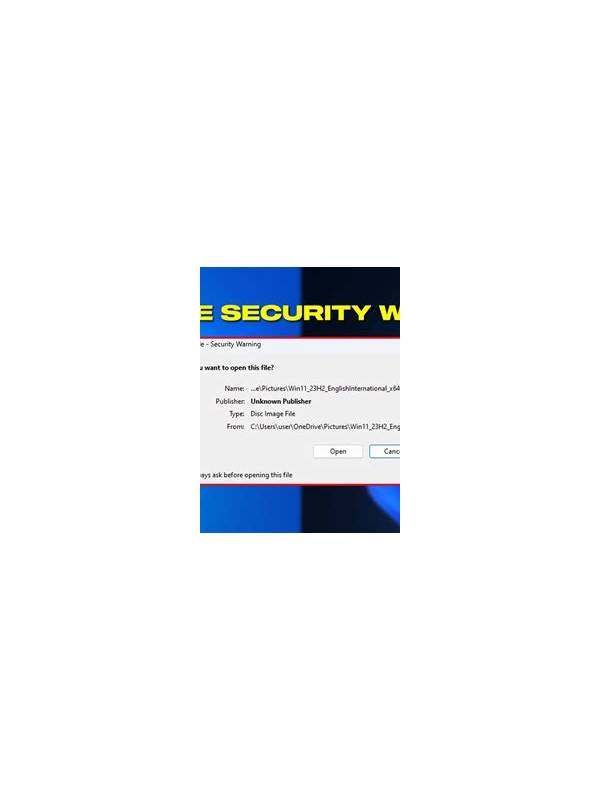
An app download page can look familiar while still being unsafe. Before opening a file, slow down and verify the source, the address, and the permissions requested. A polished logo or urgent offer is not proof that a page is legitimate.
Check the address carefully. Look for unexpected spelling, extra words, unusual subdomains, and a secure connection indicator. A secure connection protects the connection; it does not guarantee that the site itself is trustworthy. If the page arrived through a message or advertisement, navigate independently to the service’s known official information rather than trusting the link.
Read the page’s basic information before downloading. A responsible service should explain who operates it, how to contact support, which devices are supported, and what rules apply. Missing ownership details, pressure to disable device protections, or instructions to ignore warnings are reasons to stop. Do not let a time-limited promotion override a safety check.
If a file is downloaded, inspect its name, type, and source before opening it. Keep device security features enabled. Review the permissions requested during installation and question access that does not fit the app’s stated function. Never enter payment details or account credentials into a page simply because the download process asks for them.
When uncertain, delete the file without opening it and seek help through a verified support channel or device security resource. A missed download is inconvenient; an untrusted installation can expose accounts and personal data. Verification is a small delay with a large protective benefit.
Do not assume that a file is safe because another person forwarded it or because a search result placed it near the top. Independent verification is still necessary. Avoid installing software while logged into an account that has broad device privileges if you are not sure of the source. If you already opened a suspicious page, close it, avoid entering information, and use the device’s normal security checks. Prompt reporting through an official channel can help others avoid the same misleading page.
Avoid sharing a suspicious file with friends while asking whether it is safe; forwarding it spreads the risk. Instead, share the page’s description through a trusted support or security process if reporting is needed. Keep operating-system updates current and use the normal app store or verified distribution route whenever one is available. These habits reduce the number of decisions made under pressure and make unusual download requests easier to reject.