Rummy Safety: Keep Screenshots Away From Sensitive Details
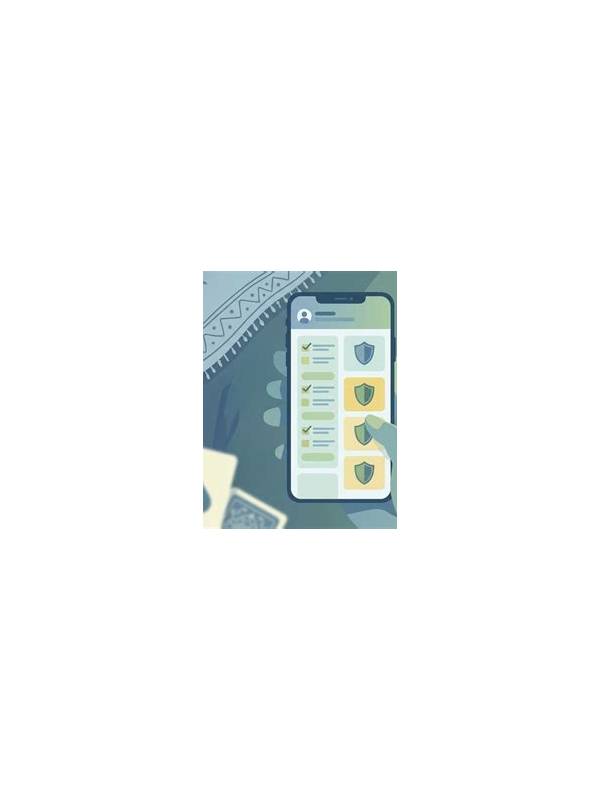
Screenshots are useful for documenting an interface problem, but they can accidentally expose more than the game board. A captured screen may include an account name, balance, transaction reference, notification preview, email address, or a one-time code. Before sharing an image, inspect the entire frame rather than focusing only on the error message.
If you need help with a technical issue, capture the smallest area that shows the problem. Crop away account pages, payment panels, chat messages, and unrelated notifications. If cropping is not possible, cover sensitive details with a reliable opaque block before sending the image. Do not rely on a blur that can be reversed or on a decorative sticker that leaves text visible around its edges.
Never share passwords, recovery phrases, payment details, or one-time verification codes in a screenshot. Support staff should not need a secret code to understand that a button failed. If someone asks for a code while claiming to provide assistance, stop the conversation and use the service’s official help path instead.
File names can reveal information too. Rename a screenshot with a neutral description before uploading it, and check where the image is being sent. A private support channel and a public group have very different exposure risks. Delete duplicate copies from shared folders or message threads when they are no longer needed.
Make a short pre-share checklist: crop, inspect corners, remove notifications, check the recipient, and confirm that no secret is present. These steps take less time than recovering an exposed account. If an image has already revealed sensitive information, follow the platform’s account-security process promptly, change affected credentials through the official app, and monitor activity for unfamiliar changes.
Remember that metadata may travel with an image. Depending on the device and sharing method, a file can retain a creation time, location, or editing history. Remove unnecessary metadata when the operating system provides a straightforward privacy option, and avoid sharing original files when a cropped copy is enough. Children or family members may also appear in notification previews or profile panels, so check for accidental disclosures before forwarding a screenshot.
Keep a clean copy for your own records only when it is genuinely needed. Store it in a private location, use a neutral file name, and remove it when the support issue is resolved. Good screenshot practice reduces both accidental exposure and the amount of private material you must manage later.