Rummy Safety: Protect Personal Information During Account Setup
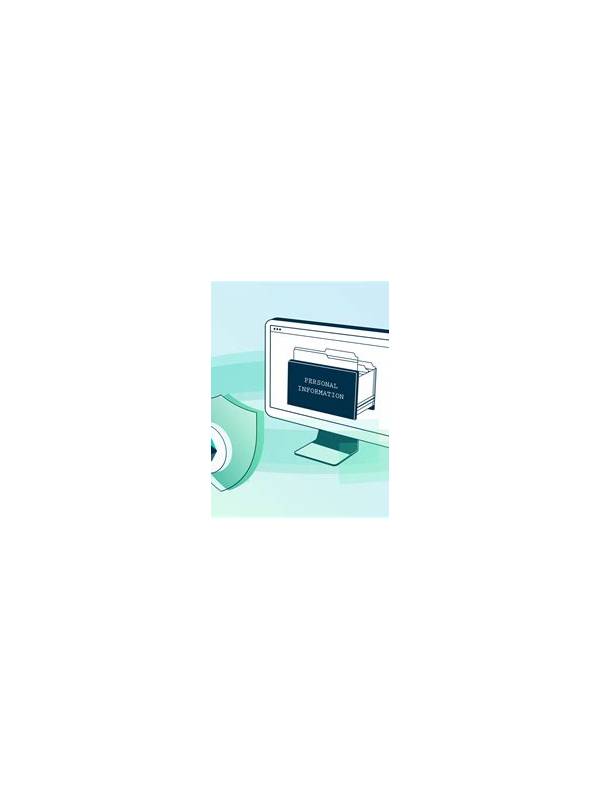
Account setup may require some identity or payment verification, but a request should still make sense for the service and arrive through an official channel. Treat unexpected requests for passwords, one-time codes, or full payment credentials as a warning sign.
Before registering, check the address of the official site or the identity of the app-store listing. Avoid links sent through unsolicited messages, copied download pages, or ads that use urgent language. A familiar logo is not proof of authenticity. Use the platform’s published support route if you need to confirm a request.
Create a unique password and enable available multi-factor protection. Do not reuse the password from email, banking, or social accounts. A password manager can generate and store a long password without requiring you to memorize it. Never share a login code with a person claiming to be support; legitimate staff should not need that code to “unlock” an account.
Share only information that is necessary and clearly explained. Read the privacy notice and withdrawal terms before submitting documents. If verification is required, check where the documents are uploaded and whether the connection is secure. Do not send identity documents through a random chat account or an address that cannot be verified.
Protect the device as well. Install updates, use a screen lock, and avoid leaving an account open on a shared phone. Sign out when finished and review active sessions if the platform provides that option. Remove saved payment methods when they are no longer needed, subject to any legitimate account requirements.
Keep records without storing sensitive data in plain notes. Save the official support address, terms version, and transaction references, but do not copy passwords, full card numbers, or one-time codes into a document. If you suspect an account compromise, change the password from a trusted device, contact the payment provider through its official channel, and report the issue promptly.
Privacy protection is part of responsible play. A trustworthy service explains why information is needed, protects it appropriately, and does not pressure you to bypass normal security steps.
If a message claims that your account will close unless you verify immediately, do not follow its embedded link. Open the official app or type the known address yourself. Urgency is a persuasion tactic; it is not evidence that the request is genuine.
Privacy settings deserve a second look after registration. Check marketing permissions, device access, notification previews, and connected accounts. Limiting unnecessary access reduces the amount of information exposed if the device is lost or the account is later targeted.