Rummy Safety: Recognize Impersonation in Player Support Messages
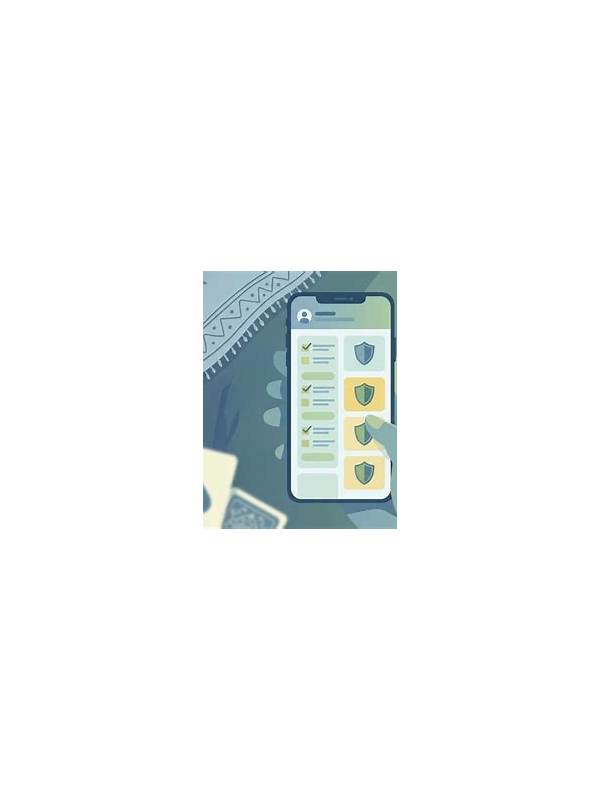
Support messages can look convincing when they use familiar logos, urgent language, or details from a recent game. Impersonators rely on pressure: they want a player to click quickly, reveal a code, or send documents before checking who is actually contacting them.
Treat unexpected direct messages with caution, especially when they mention a withdrawal, account suspension, bonus, or “verification problem.” Do not use a link supplied in the message until you have independently opened the official app or typed the known service address yourself. Compare the sender identity carefully; a small spelling change or an unusual account can be significant.
Never share passwords, one-time codes, recovery phrases, or full payment details in response to a chat request. A legitimate support process may request identity information through a protected form, but a casual player message is not that form. If documents are required, confirm the request inside the official support area and check how the data will be handled.
Urgency is another warning sign. A message claiming that you have only minutes to avoid losing funds is designed to reduce careful thinking. Pause, save the message for reference, and contact support through a channel you opened independently. Do not install remote-control software or permit screen sharing because someone says it will solve a problem faster.
If you clicked a suspicious link, do not panic. Close it, avoid entering information, and review account activity from the official application. Change credentials if you entered them, enable available security controls, and report the message using the service’s legitimate reporting path. Watch for follow-up attempts, since scammers may use one response to create another story.
Safe support communication is verifiable, proportionate, and private. Slow down when a message combines urgency with a request for secrets. A few independent checks are easier than recovering an account after an impersonator has gained access.
Remember that a real-looking profile picture proves very little. Accounts can be copied, renamed, or taken over. Use the official support directory, app settings, or a known statement from the service to verify contact details. If a message asks you to keep the conversation secret, treat that secrecy request as an additional warning rather than a sign of special assistance. Trust verification steps, not confidence or polished presentation.