Rummy Safety: Verify Permissions Before Installing a Card App
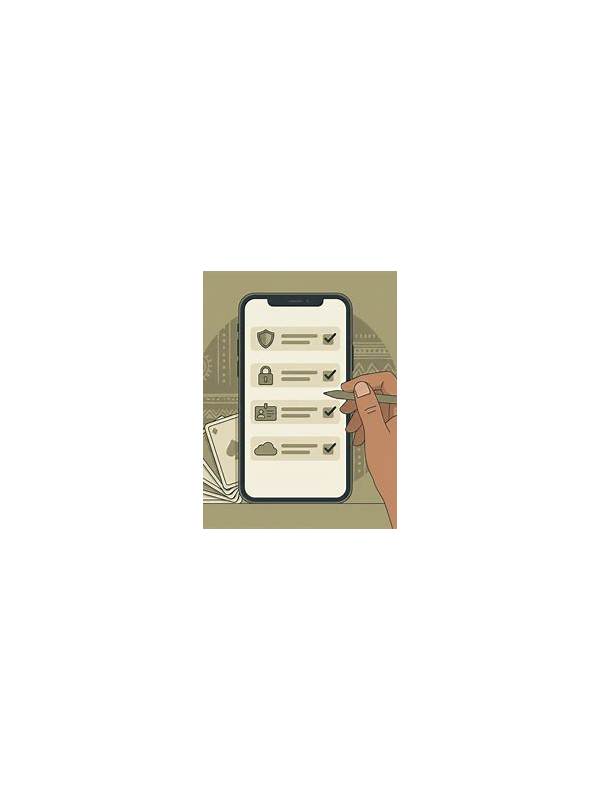
Before installing an unfamiliar card app, pause at the permissions screen and ask whether each request matches the app’s stated purpose. A card game may reasonably need network access for online play, but unrelated requests deserve closer attention. Permission names can vary by device, so focus on what the permission allows rather than on the wording alone.
Start with the source. Prefer an official store listing or a publisher page you can verify independently. Avoid links that arrive through unsolicited messages, aggressive pop-ups, or shortened URLs. A familiar-looking name is not enough; copycat apps can use similar icons and titles. Check the developer identity, update history, reviews with specific details, and whether the listing explains data collection clearly.
Review permissions before accepting. Access to contacts, messages, call logs, accessibility controls, or files unrelated to gameplay may require a strong explanation. Do not grant a request simply because the app says it is necessary. If the app will not work without a permission that seems unrelated, consider leaving it uninstalled and look for a safer alternative.
Keep your device protections enabled. Do not disable security scanning or install a package merely because a site claims the warning is a mistake. If you must test software, use a device profile with minimal personal data and avoid signing in with an account that contains payment information. Never enter passwords into a screen reached through an unexpected redirect.
After installation, revisit permissions in system settings. You can often remove access that is not needed, restrict location use, and limit background activity. Watch for unusual battery drain, repeated pop-ups, unexplained account alerts, or requests to install another package. These signs do not prove malicious behavior, but they justify stopping and investigating.
Safety also includes financial boundaries. Keep payment decisions separate from installation decisions, read the app’s terms, and never share one-time codes with support accounts or other players. A short permission review takes less time than recovering a compromised account. If the app’s purpose, source, and access requests do not line up, do not proceed. n+If you already installed an app and later become concerned, stop signing in, disconnect it from sensitive accounts, and use the device’s normal uninstall and security review tools. Change affected passwords from a trusted device and contact the relevant service through its official help page. n+Keep the operating system and store updated, because security fixes often address weaknesses outside the game itself. Use a unique password and enable multifactor protection where available. These steps cannot make an untrusted app safe, but they reduce the damage if an account or device is exposed.