What to Do When an Online Rummy Table Lags
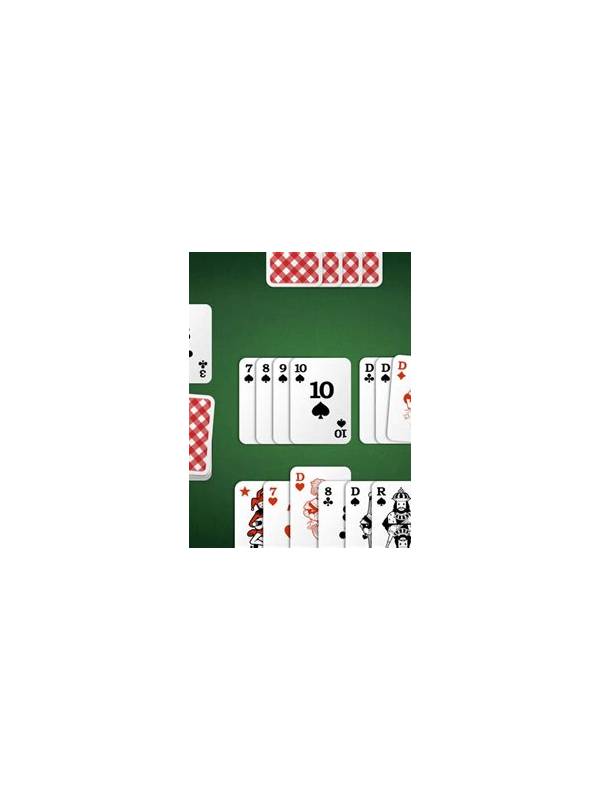
Lag can turn an ordinary rummy decision into a confusing one. A card may appear late, a timer may seem frozen, or a discard may register after you have changed your mind. The safest response is to slow down mentally and avoid repeated taps. Rapidly pressing buttons can create duplicate actions when the connection catches up.
First check whether the delay affects the whole device. Open a harmless page or look at the connection indicator, but do not close the game immediately if a hand is active. If other services are also slow, move closer to a reliable router or switch to a stable network when possible. Avoid public networks for play involving personal or payment information.
Read the table state carefully before acting. Confirm whose turn it is, which card is in the discard area, and whether your previous action has already been accepted. A short wait is often safer than a second tap. If the timer is running, make the simplest legal move you have already considered instead of inventing a complicated line under pressure.
If the application disconnects, reopen it only through the official app or saved official website. Do not install an emergency file from a pop-up or message claiming to fix the connection. After reconnecting, check the hand history or account activity for the result. Save a screenshot of an error message without exposing payment details or one-time codes.
Repeated lag deserves a support report. Include the approximate time, device type, application version, network type, and a short description of what happened. Never send a password, verification code, full card number, or private identity document through ordinary chat. A legitimate support team should not need those items to investigate a technical delay.
Connection problems are also a reason to choose lower-pressure tables or free practice. If interruptions are common, pause real-money play until the device and network are reliable. The aim is not to force a hand through a technical problem; it is to preserve a clear record and avoid turning uncertainty into impulsive action. Before the next session, update the application and restart the device if the provider recommends it. Check that the date and time are set automatically, since an incorrect clock can make support records confusing. Keep the device charged and close demanding background apps. These steps will not solve a provider outage, but they can remove avoidable causes of delay. If a table continues while your screen is unavailable, accept that the result may be outside your control. Do not borrow money or increase a later entry to compensate for an interruption.