Rummy Safety: Check a New App Before Granting Access
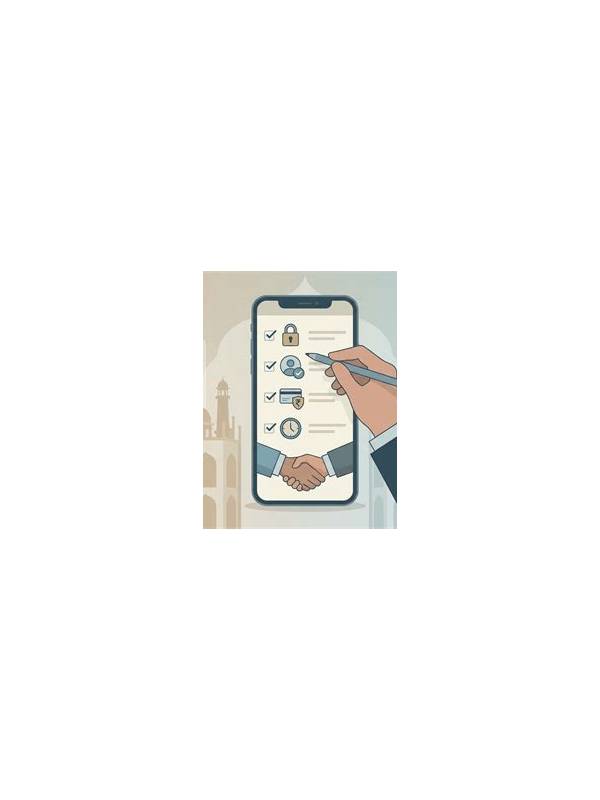
Before installing a new rummy app, identify where it came from. Prefer a reputable official store or a clearly verified publisher page. Be cautious with files received through unsolicited messages, shortened links, or pages that pressure you to disable device protections. A familiar logo does not prove that an installer is genuine.
Read the requested permissions and compare them with the app’s stated purpose. A card game may need network access and notifications, but requests for unrelated contacts, messages, accessibility control, or persistent device administration deserve scrutiny. Permission names vary by operating system, so use the device’s privacy settings to see what access is active after installation.
Review the publisher information, privacy policy, update history, and support route. Missing contact details, copied descriptions, or promises of guaranteed winnings are warning signs. Search results can be helpful, but do not rely on a single review or a page that only repeats promotional claims. If you cannot establish who operates the service or how complaints are handled, do not add personal or payment information.
After installing, keep the operating system and security tools updated. Use a unique password and enable available account protection. Never install a “special certificate,” remote-control tool, or unknown keyboard simply to access a game. Those requests can expose far more data than the app needs.
Monitor behavior during the first few sessions. Unexpected pop-ups, repeated redirects, battery drain, or prompts for sensitive information are reasons to stop and investigate. Remove access you do not need and uninstall the app if concerns remain. If money is involved, check the applicable local rules and use only payment methods you understand. Safe play begins before the first hand, with a clear decision about whether the app deserves access at all.
Use the operating system’s privacy dashboard to revisit permissions after updates. An app may request access again when a feature changes, and an old approval may no longer be necessary. Keep two-factor codes and recovery details out of screenshots and notes stored beside the app. If you share a device, lock the app or sign out when that option exists.
If you suspect a malicious installer, do not keep testing it with real information. Disconnect it from sensitive accounts, remove it using the device’s normal uninstall process, and run the platform’s security check. Change credentials from a clean device if you entered them.
For financial features, use only the payment and withdrawal methods described by the verified service. Never install an unrelated tool to unlock a transaction. If an offer depends on urgency, secrecy, or a request for credentials, stop and verify it independently. Security checks are most effective before money or identity documents enter the app.