Rummy Safety: Make a Mobile Session More Private
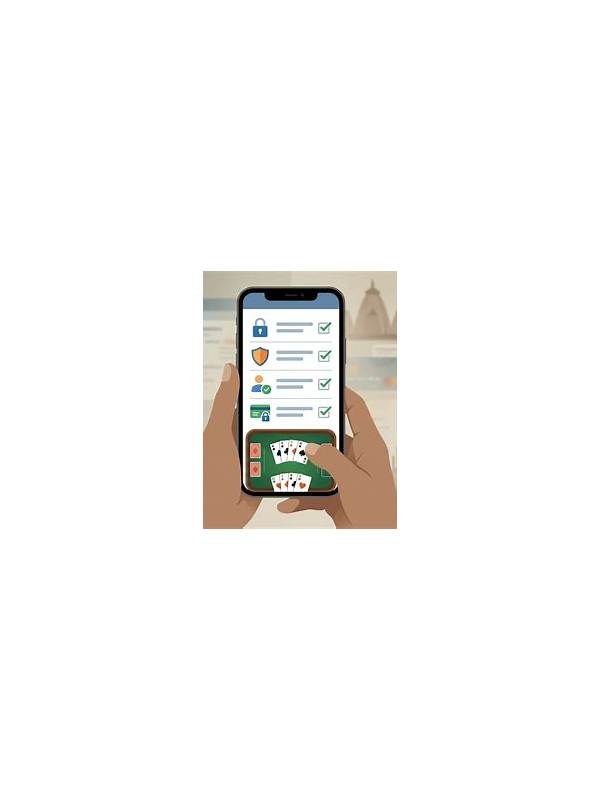
A card app can reveal more than your cards. Notifications, screen previews, shared devices, and public networks may expose account details or activity. A short privacy check before a session reduces accidental disclosure without making the routine complicated.
Begin with the device itself. Use a screen lock and avoid saving sensitive login details on a phone that other people regularly use. Check whether notification previews display messages, transaction alerts, or one-time links on the lock screen. If they do, hide the content or enable a private notification setting.
Review app permissions one by one. A game may need network access, but it should not automatically need contacts, microphone, or location for ordinary card play. Deny permissions that do not match a clear feature. If the app stops working after a permission change, consult its official help page rather than installing an unrelated utility.
Keep the software source and updates in view. Install from a source you can verify, inspect the publisher name, and be cautious with copied download links. An update request that arrives through an unexpected message deserves independent checking. Never share a verification code or password with someone claiming to provide support.
Think about the network. Avoid entering account information on an unfamiliar open network when possible. If you must use one, postpone sensitive account changes until you are on a trusted connection. Do not use a browser or app that shows certificate warnings or unusual redirects.
Finish with a clean exit. Sign out on a shared device, close visible tables, and remove screenshots that include balances or account identifiers. Privacy is not only about preventing dramatic attacks; it is also about controlling small disclosures that accumulate. A repeatable two-minute check lets you focus on the game while keeping your device and account boundaries clearer. Be especially careful with screenshots and screen sharing. A cropped image can still contain a username, notification, balance, or visible code in a corner. Turn off automatic cloud backup for sensitive captures or delete them after the specific review is complete. If another person needs to help with a technical issue, describe the symptom without sending private account data, and use only the support route you independently verified. Small privacy habits are easier to maintain when they are part of the normal session closeout. Also check whether the app displays private information in recent-apps previews. On a shared or borrowed device, close the app fully and avoid leaving account screens open. Privacy settings are most effective when they cover the whole journey: opening the app, playing, receiving notifications, and closing the session.