Rummy Safety: Separate Device Alerts From Game Alerts
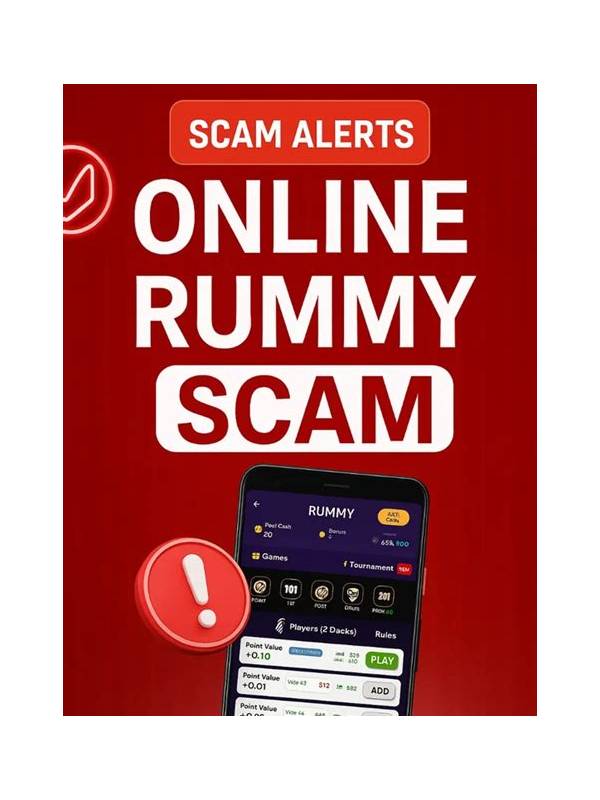
A phone can display banking alerts, private messages, security warnings, and game prompts in the same small area. During a rummy session, a quick glance may expose private information or cause an important turn to be missed. A notification plan reduces both risks.
Before a session, review notification settings for the game and for the device. Decide which game alerts are genuinely necessary, such as a turn reminder, and which are promotional or non-urgent. Use the device’s privacy controls to hide sensitive preview text on the lock screen. If another person may see the screen, consider a temporary focus mode that silences unrelated applications.
Do not treat every alert as a game instruction. An operating-system warning about storage, a security sign-in notice, or a payment message should be handled through the appropriate trusted channel. Pause the game if needed, but do not tap an unexpected notification that opens an unfamiliar page. A countdown prompt inside the game may require a timely response; an external link does not automatically deserve immediate action.
During play, keep the notification shade closed unless you intentionally need it. If a private alert appears, turn the screen away before reading it and close the preview. Never share a screenshot containing names, message text, transaction details, or verification codes as a way to ask for help. Crop or redact a record when a support request genuinely requires visual context.
After the session, restore your normal settings and check whether any important device alert was missed. If a game repeatedly produces confusing prompts, review its permissions and use official support. A game should not need access unrelated to its function, and an urgent-looking banner should not override your normal security habits.
The goal is not total silence. It is a clear division: game information stays in the game, device security information is verified through the device or service that generated it, and private communication remains private. This separation makes it easier to concentrate on the current hand without allowing a routine notification to become a security or decision problem.
If you share a device, sign out of accounts that are not needed and avoid leaving sensitive previews visible after the session. Check that the screen lock is active and that the game is not mirroring to an unintended display. These small maintenance steps reduce the chance that concentration on a hand will expose unrelated personal information. Attention and privacy are both part of a safe playing environment.